
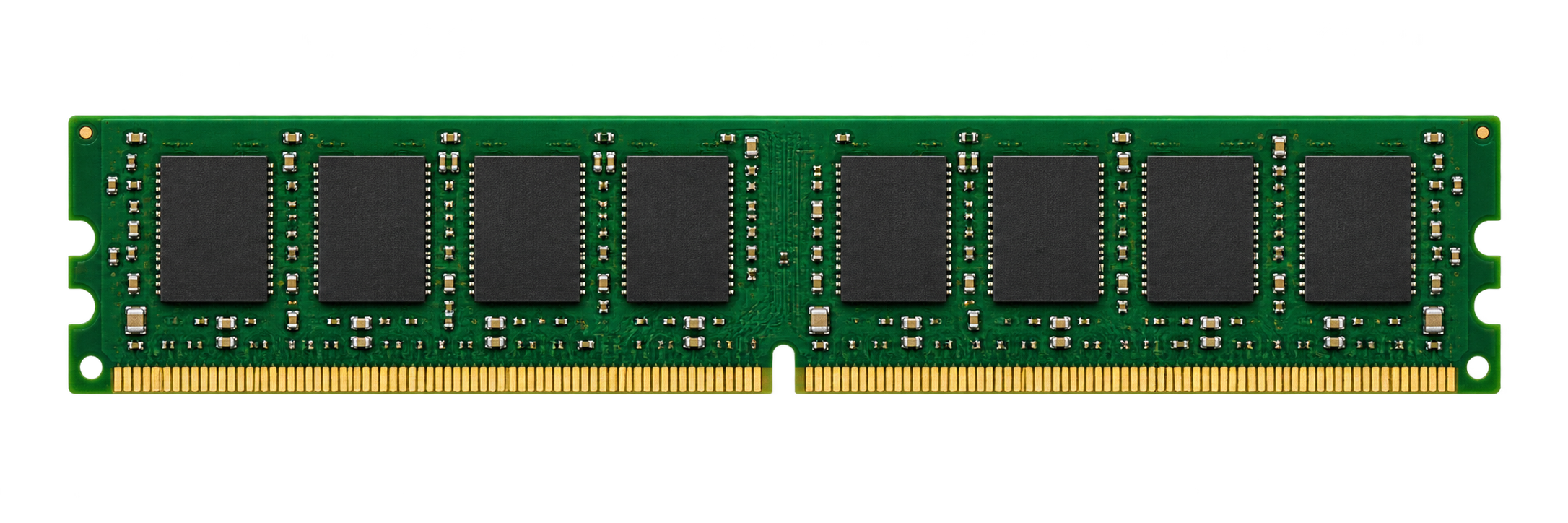
COMPUTER MEMORY
The memory behind
your systems.
New DRAM for servers, desktops, and laptops. Start with your platform, application, and memory requirements.
Explore memory considerationsMEMORY & STORAGE SOLUTIONS
New computer memory and storage for system integrators, value-added resellers, and business end users. Global reach. Experience that goes deeper.
SERVER / DESKTOP / LAPTOP
Server · Desktop · Laptop
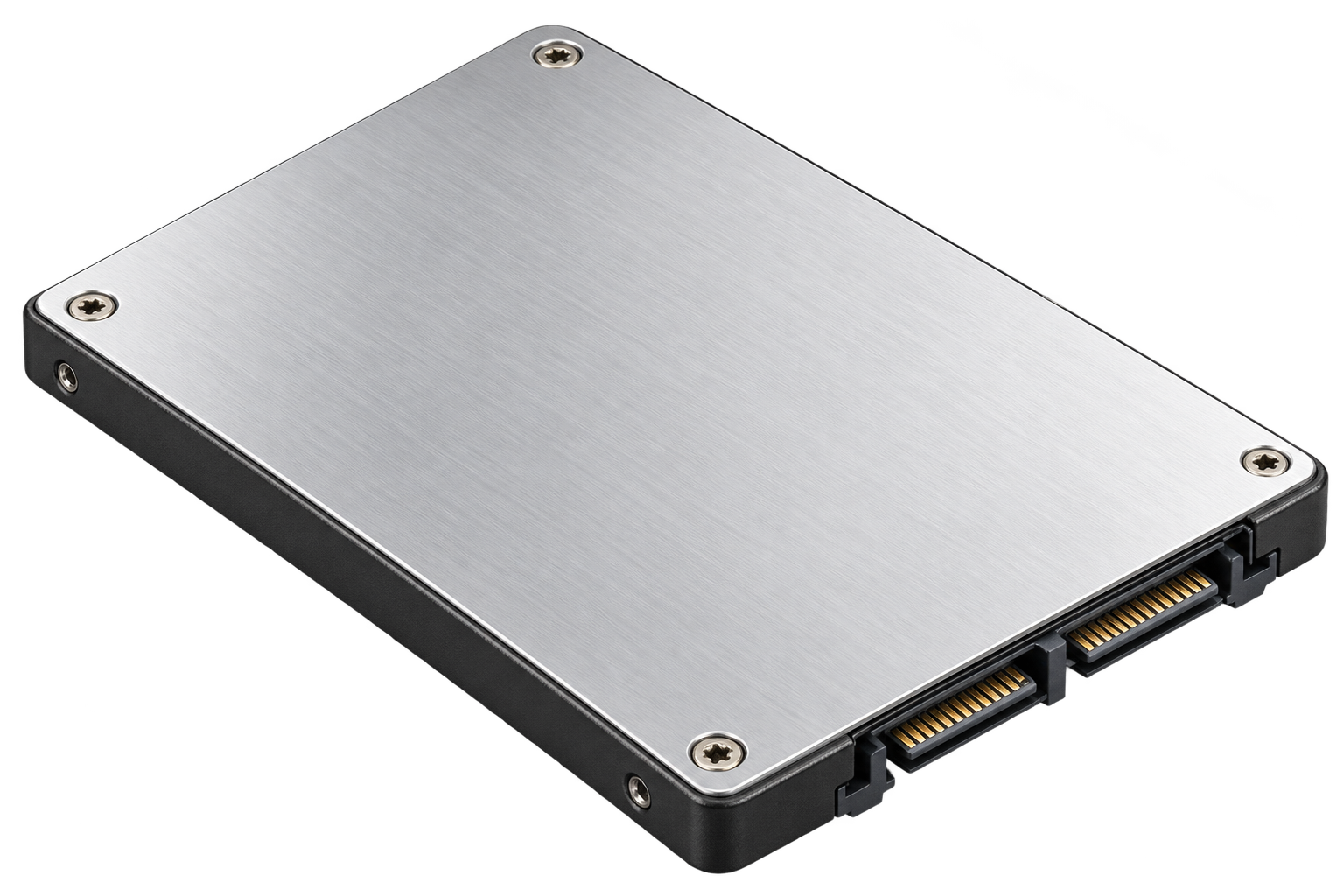
SSD · HDD
OUR SOLUTIONS
Memory and storage solutions for the systems you build, the customers you support, and the infrastructure you operate.
COMPUTER MEMORY
New DRAM for servers, desktops, and laptops. Start with your platform, application, and memory requirements.
Explore memory considerationsSOLID STATE & HARD DISK DRIVES
New SSD and HDD products for business computing. Consider your workload, capacity requirements, and system compatibility.
Explore storage considerationsTECHNOLOGY EXPERTISE
The right conversation starts with your system and what it needs to do. Explore the questions that shape a memory or storage selection.
MEMORY / STORAGE / APPLICATIONReliable memory selection starts with the complete platform: the exact system or motherboard, processor, BIOS version, and installed modules. E-TECH helps you compare those requirements with the memory you plan to deploy.
If your project uses an Approved Vendor List (AVL), start with its approved manufacturers, exact part numbers, and revision requirements. Share any customer-specific restrictions before selecting a replacement or alternate.
A manufacturer’s Qualified Vendor List (QVL) identifies memory tested for a particular platform. Check the listed part number and supported configuration. For parts outside a published list, confirm the qualification path before ordering.
For ongoing production, document the approved manufacturer, MPN, module specification, and any revision restrictions. Where a controlled bill of materials (BOM) is required, confirm DRAM die revisions and the supplier’s product change notification process before approving substitutions.
Share your system model, processor, installed memory part numbers, target capacity, and AVL or QVL requirements. We can help review the specifications and identify questions to resolve before purchase.
Discuss system compatibilityManufacturer references: ASUS QVL guidance · Kingston controlled BOMs · Dell population example. Always use the documentation for your exact platform.
DDR5 VS. DDR4
DDR5 gives compatible platforms more bandwidth and more efficient memory access. Its value is strongest when applications move large amounts of data or many CPU cores share memory. DDR4 remains a practical choice for supported existing systems.
DDR5-4800: 50% more bandwidth.
DDR5-6400: 2× DDR4-3200.
E-TECH calculation: MT/s × 8 bytes ÷ 1,000. Examples use equal total data width and exclude ECC bits. These are theoretical peaks, not application benchmarks or speed limits. Source: Micron and Kingston.
1.2 V → 1.1 V
8.3% lower standard voltage.
Voltage reduction is not a percentage reduction in total power. Actual energy use depends on speed, capacity, activity and module design. Overclocked profiles may use higher voltages. Source: Micron.
| Feature | DDR4 | DDR5 | Practical benefit |
|---|---|---|---|
| Data movement | 3,200 MT/s reference | 4,800–6,400 MT/s examples | More bandwidth for analytics, AI data processing and HPC. |
| DIMM access | One 64-bit data channel | Two independent 32-bit subchannels | More efficient handling of simultaneous memory requests. |
| Power regulation | Motherboard regulation | On-module PMIC | Local power management and improved signal integrity. |
| Capacity growth | Established module options | Higher-density devices and newer capacity options | More room for large datasets and virtual machines, subject to platform support. |
| On-chip error correction | No on-die ECC | On-die ECC | Corrects errors inside the DRAM chip. System-level ECC still requires an ECC-capable module and platform. |
Feature sources: Micron DDR5 overview, Kingston DDR5 architecture and Samsung DDR5.
DDR5 does not fit or operate in a DDR4 slot. Verify the CPU, motherboard, BIOS, module type, capacity and DIMM population rules. Supported speed may fall when more DIMMs are installed. Higher transfer rates do not guarantee lower latency or a fixed application performance gain.
Discuss your system with E-TECHManufacturer information reviewed October 9, 2026. Workload guidance is E-TECH’s interpretation of the cited features; results depend on the complete system and application.
Define the storage requirement around the application and the system.
Describe how the system will be used before choosing components.
WHY E-TECH
Since 2001, E-TECH has helped businesses worldwide meet their memory and storage needs. We combine technical knowledge with personal attention, clear communication and a commitment to long-term partnerships.